Almost every Next.js project with i18n ends up the same way: a translation.json in Spanish and an afternoon copying it into ChatGPT, pasting the response and checking that no key has been changed. Then someone adds a text and it's back to square one.
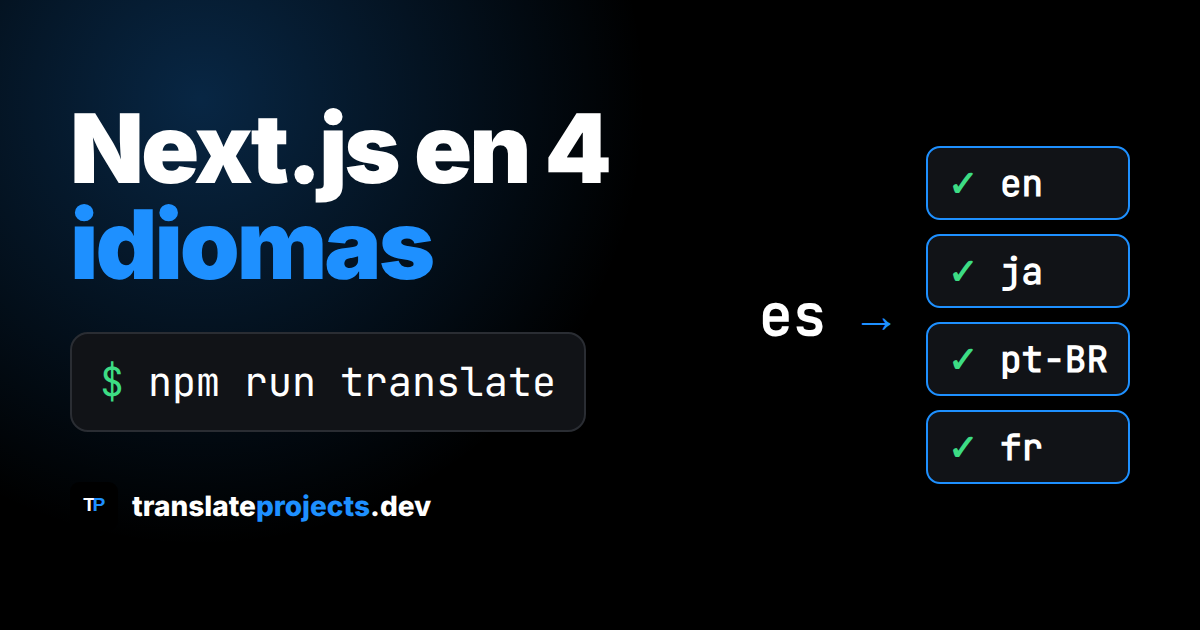
In this guide we translate a Next.js app (App Router) from Spanish into English, Japanese, Portuguese and French with a single command, npm run translate, using i18next and the translate-projects-nextjs package. Everything you see below (files and terminal) is the real output of one run.
What you need
- Node.js 20 or higher, Next.js 14+ and React 18+.
- A free Translate Projects account with a project and its API token (Getting started).
- The API key of your AI provider: Claude, OpenAI, DeepSeek or Gemini. There are no plans and no credit card: you only pay your provider for what you use.
1. Install the package
npm i translate-projects-nextjsi18next and react-i18next are installed with the package.
2. Write your texts in the base language
Each JSON file inside src/locales/<base language>/ is an i18next namespace, and the nesting is preserved. This is the file for the example app:
// src/locales/es/translation.json
{
  "nav": {
    "inicio": "Inicio",
    "precios": "Precios"
  },
  "hero": {
    "titulo": "Organiza tus tareas sin perder el ritmo",
    "subtitulo": "Planifica tu semana, comparte proyectos con tu equipo y recibe recordatorios a tiempo.",
    "boton": "Empieza gratis"
  },
  "login": {
    "email": "Correo electrónico",
    "password": "Contraseña",
    "entrar": "Iniciar sesión",
    "olvido": "¿Olvidaste tu contraseña?"
  }
}
3. Configure the languages
Create translate.config.mjs in the project root. The token is read from the environment variable TRANSLATE_PROJECTS_API_KEY:
export default {
  sourceLang: 'es',
  targetLangs: ['en', 'ja', 'pt-BR', 'fr'],
  apiKey: process.env.TRANSLATE_PROJECTS_API_KEY,
};
And add the script to package.json:
{
  "scripts": {
    "translate": "translate-projects-nextjs translate"
  }
}
4. Translate
export TRANSLATE_PROJECTS_API_KEY=tu_token
npm run translate
Real output of the run (without timestamps):
✅ Success: Total languages to translate: 4
ℹ️  Info: 🔄 Syncing (9) - src/locales/es/translation.json...
✅ Success: Translation completed: EN 📄 -> 📁 `src/locales/en/translation.json`
✅ Success: Translation completed: JA 📄 -> 📁 `src/locales/ja/translation.json`
✅ Success: Translation completed: PT-BR 📄 -> 📁 `src/locales/pt-BR/translation.json`
✅ Success: Translation completed: FR 📄 -> 📁 `src/locales/fr/translation.json`
✅ Success: Translation completed successfully.
Nine texts into four languages took about 14 seconds. This is how the English looks, with the same keys:
// src/locales/en/translation.json
{
  "nav": {
    "inicio": "Home",
    "precios": "Pricing"
  },
  "hero": {
    "titulo": "Organize your tasks without losing momentum",
    "subtitulo": "Plan your week, share projects with your team and get reminders on time.",
    "boton": "Start for free"
  },
  "login": {
    "email": "Email",
    "password": "Password",
    "entrar": "Sign in",
    "olvido": "Forgot your password?"
  }
}
And the Japanese:
// src/locales/ja/translation.json
{
  "nav": {
    "inicio": "ホーム",
    "precios": "料金"
  },
  "hero": {
    "titulo": "ペースを崩さずタスクを整理しよう",
    "subtitulo": "週間計画を立て、チームとプロジェクトを共有し、期限に合わせてリマインダーを受け取れます。",
    "boton": "無料で始める"
  },
  "login": {
    "email": "メールアドレス",
    "password": "パスワード",
    "entrar": "ログイン",
    "olvido": "パスワードをお忘れですか?"
  }
}The command does not read .env on its own: export the variable in the terminal or in CI, or load it with node --env-file=.env.local node_modules/.bin/translate-projects-nextjs translate.
5. Use the translations in Next.js
The package also includes the app part: a middleware that redirects to /<language>/... and sets the NEXT_LOCALE cookie, an i18next provider, a localized Link and hooks with key autocompletion.
// middleware.ts
import { NextRequest } from 'next/server';
import { langMiddleware } from 'translate-projects-nextjs/middleware';

export function middleware(request: NextRequest) {
  return langMiddleware({
    request,
    defaultLocale: 'es',
    locales: ['es', 'en', 'ja', 'pt-BR', 'fr'],
  });
}
// app/[locale]/title.tsx
'use client';
import { useTypedTranslation } from 'translate-projects-nextjs/hooks';
import type es from '@/locales/es/translation.json';
export function Title() {
const { t } = useTypedTranslation<typeof es>();
return <h1>{t('hero.titulo')}</h1>; // las claves se autocompletan
}The provider (TranslationsProvider) goes in app/[locale]/layout.tsx; the full code is in the Next.js guide. useTranslation and <Trans> from react-i18next also work.
How it avoids translating twice
- Only the files that changed are sent: a run with no changes makes a single request.
- There is a shared translation network: if a text was already translated into that language before, it arrives instantly without using your AI key.
- If you delete a generated file, it is rewritten from the cache without new requests.
- If the API fails, existing translations are kept, the command exits with code 1 and whatever is missing is retried on the next run.
Common errors
- Invalid token (401): check
TRANSLATE_PROJECTS_API_KEY. - Missing required configuration fields: apiKey: the variable is not defined in the terminal where you run the command.
- Missing AI key (MISSING_API_KEY): configure the provider, model and key in the project.
- Cannot find translate.config.mjs: run the command in the project root.
There are also packages for React, Astro, Docusaurus (npm) and Django (PyPI). Create your project for free at translateprojects.dev and translate your app today.